
Your robotics lab.
One browser tab.
Robot simulation that runs in your browser. Build a scene, drive it from Python, and see what your robots are doing.
MuJoCo runs locally on your machine. No remote physics server, and no simulator installation.
Currently in private preview. Access is restricted.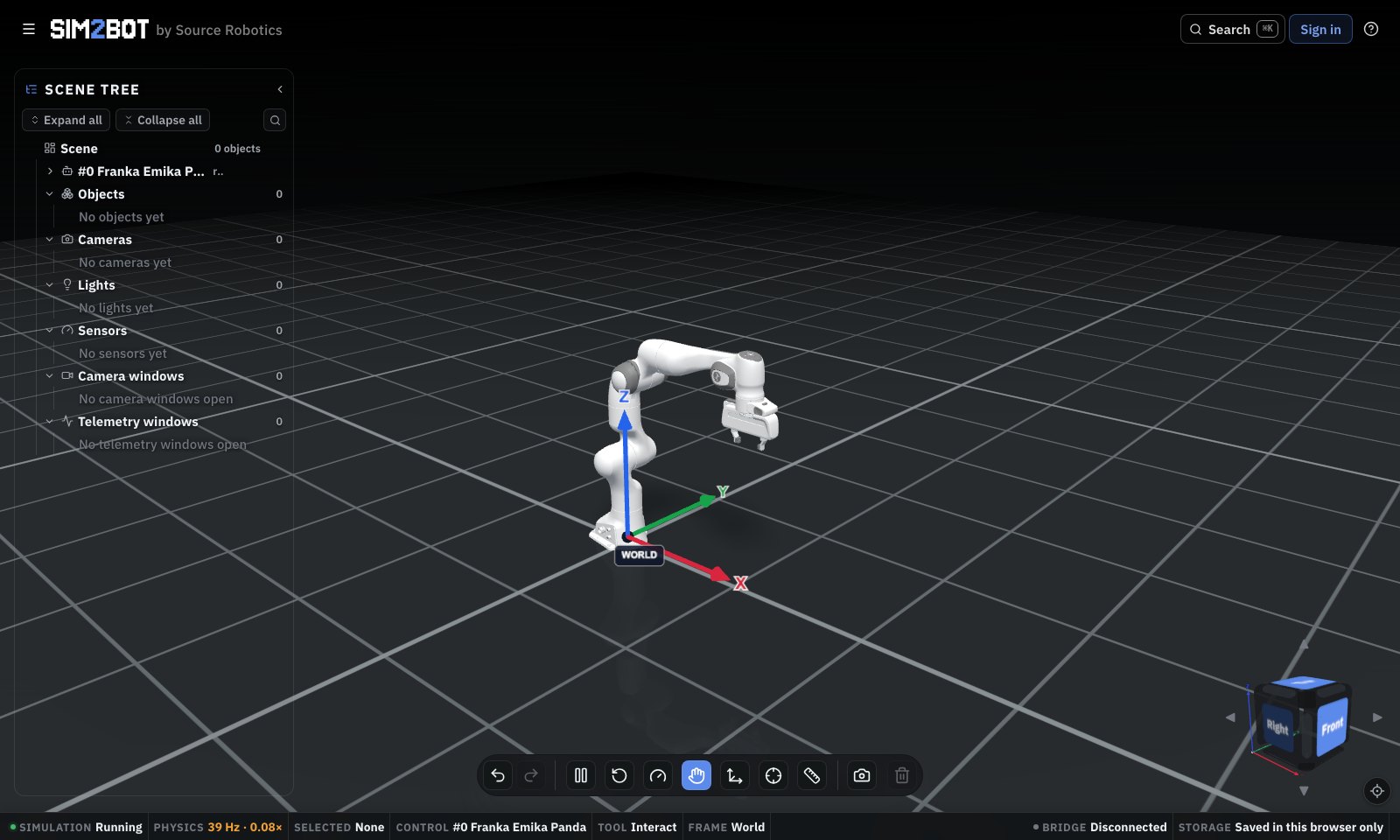
01 Build a scene
02 Control from Python
03 Inspect the result
A scene that fits
your experiment.
Bring your own robot, or start with a model from the catalog. Add objects, cameras, lights and sensors; lay out a room; save and reload.
A scene tree and familiar editing tools keep the setup within reach.
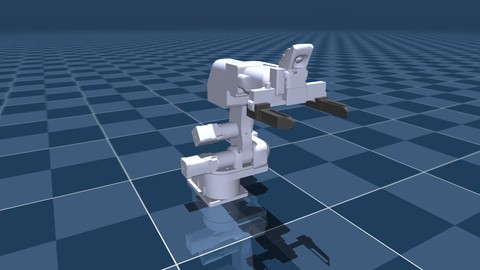
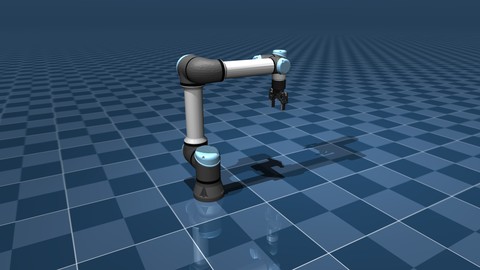
Or import your own MuJoCo robot package.
from sim2bot import Robot

# Connect through your local bridge.
with Robot() as robot:
    info = robot.describe()[0]
    robot.move_to(info.home)

    state = robot.state()
    print(state.q, state.tcp)
Run the local bridge and connect the simulator before running this example.
Your code.
Your development tools.
Drive the robots from Python over a local bridge. Use WebSocket, TCP or UDP, with per-robot addressing for multi-robot scenes.
A starting point for sim-to-real
Prototype your controller in simulation before adapting it to a physical robot. A sim-to-real (sim2real) workflow still needs a compatible hardware adapter, calibration and real-world safety validation. Sim2Bot is the simulated endpoint, not a safety-certified robot controller.
Plan a sim-to-real workflowSee more than
a moving robot.
Inspect joint position, velocity, torque and TCP pose. Add cameras and sensors to see the experiment from another angle.
Telemetry reflects the rates your browser can sustain. Simulation timestep is not a guarantee of real-time performance.
Joint position · velocity · torque · TCP pose
Robot-mounted or independent viewpoints
Simulation · active robot · bridge · storage
Local first. Cloud when you choose.
Your browser stores your local scenes. A Sim2Bot account adds optional cloud storage.
Private-preview access is currently required.